


Disneyland Paris isn’t just rides and shows. It also has a whole range of practical services that make your day easier, and many visitors only find out about them too late.
Where to collect a lost item, where to leave a suitcase, who to talk to when you have a question, where to go if you feel unwell, how to keep your best photos: these are all very real situations, and each one has a simple answer in the park.
In this guide, I go through every practical service in the parks, as an overview. For each one, I explain what it’s for, where to go, whether it’s free or paid and the best approach.
When you want the exact prices and the details, I point you to my dedicated article on that service. The idea isn’t to cover everything here, but to give you a clear overview so you know at a glance where to turn on the day.
Every practical service at a glance
Here’s the big picture. This table sums up the main practical services in the parks: who to ask, what each service is for and whether it’s free or paid. Each service is then covered further down, with a link to its full guide.
| Service | Where to go | What it’s for | Free or paid |
|---|---|---|---|
| The Disneyland Paris app | On your phone | Queue times, map, opening hours, bookings, ticket | Free |
| City Hall / Studio Services | Entrance of each park | Welcome, questions, complaints, help with bookings | Free |
| Customer service | Phone, email, chat | Tickets, holidays, accessibility, after-sales | Free |
| Disney PhotoPass+ | Photo shops, app, website | Get all your official photos | Paid |
| Magic Shots | Park photographers | Photos with a character added digitally | With a Disney PhotoPass |
| Lost property | City Hall / Studio Services, online | Report or collect a lost item | Free |
| Luggage storage | Disneyland Park entrance | Leave suitcases, coats, shopping | Paid |
| First aid | Each park and Disney Village | Minor care, emergencies, storing your medication | Free |
| Smoking areas | Designated spots in the parks | Areas where smoking is allowed | Free |
| Animal Care Centre | Car park level | Looks after your dog or cat during your visit | Paid |
| Lineberty | Dedicated app | Virtual queue for collector releases | Free |
Overview of the main practical services at Disneyland Paris.
This table gives you the overview. Now for the most important part: knowing who to turn to depending on what you need.
Where should you go for help?
Before going through each service, here’s the common thread. For most of your questions, you don’t need to look far: three points of contact cover almost everything, in this order.
The Disneyland Paris app, your first port of call
It’s your starting point for almost everything, both in the park and before you arrive. Most of what you would ask at a Guest Services desk is quicker to sort out on your phone: it’s free, it’s instant and it saves you a detour.
The best approach: install it and log in before you arrive, so you don’t waste time once you’re there. You’ll find every feature explained in my guide to the app.
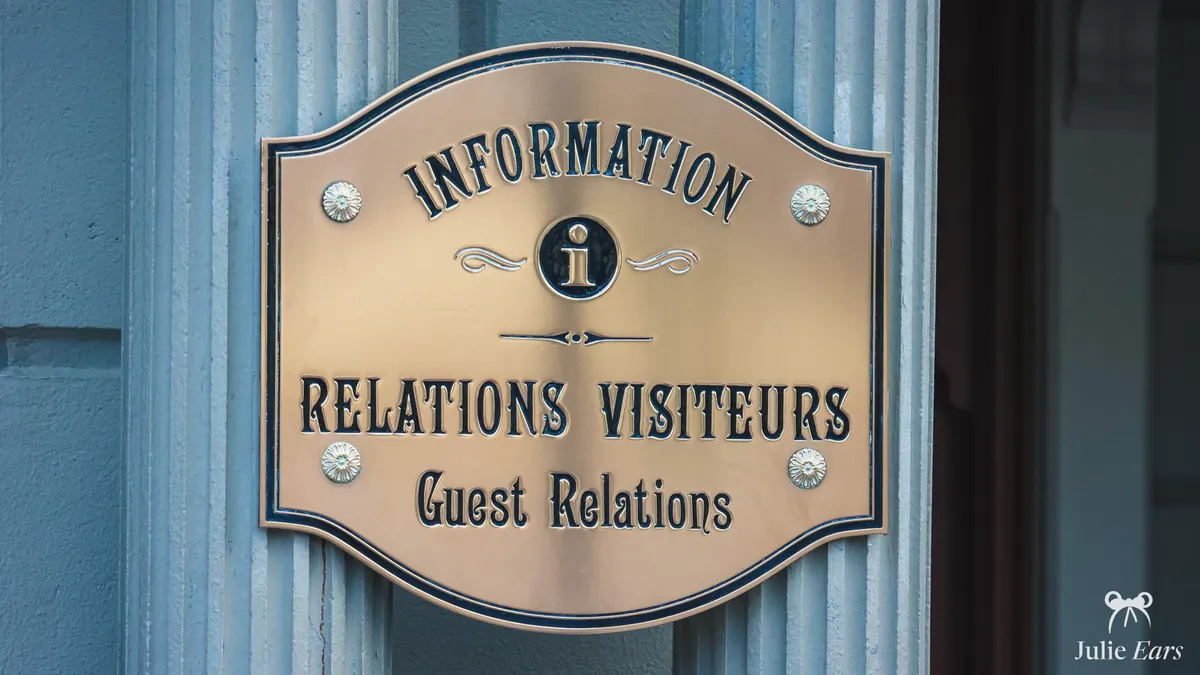
City Hall and Studio Services, the Guest Services desks
When something can’t be sorted on the app, the Guest Services desks take over. Each park has its own, and both offer exactly the same services:
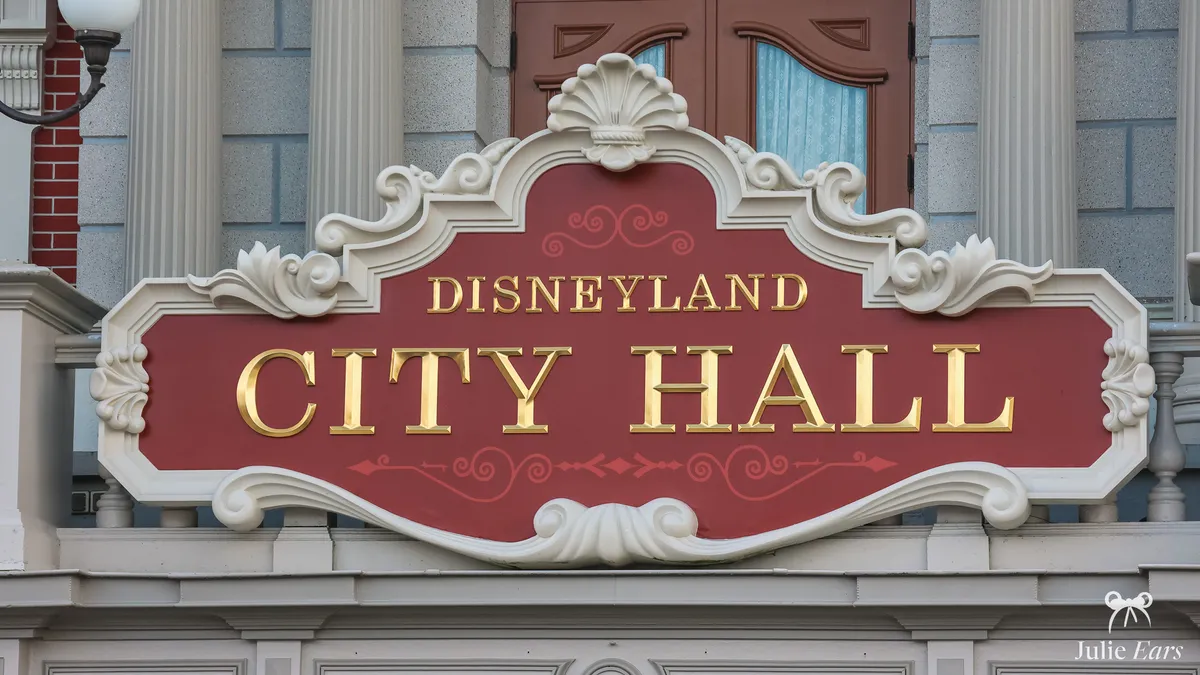
- City Hall At the entrance to Disneyland Park, just on the left after the turnstiles, at the start of Main Street U.S.A. It’s the building that looks like an American town hall.
- Studio Services The equivalent at Disney Adventure World, on the right after the turnstiles, on World Premiere Plaza.
What they’re for: practical information (opening hours, restaurant opening times, the day’s shows), help with bookings if you can’t manage on the app, lost property, complaints and compliments, birthday or name badges for kids, accessibility services. It’s free and open during park hours. The best approach: go there for anything that needs a real conversation, or when the app isn’t enough.
It’s also the place to remember if a child gets lost: go to City Hall, Studio Services or any Cast Member, and teach your child to recognise a Cast Member by their uniform. My detailed guide to City Hall and Studio Services lists every service on offer.
Customer service, before and after your visit
For anything that happens before or after your visit, Disneyland Paris customer service is who you need, by phone, email or online chat. What it’s for: booking a holiday or a ticket, tracking or changing a booking, asking a question about disability, medical conditions or food allergies, dealing with an invoice or a complaint afterwards.
The best approach: call before your visit about tickets and planning, and use email or the online form for after-sales. It’s free (the numbers aren’t premium rate). All the useful contacts, numbers and addresses, are gathered in my article on how to contact Disneyland Paris.
Your photos
Getting great photos without having to take them yourself: that’s the whole point of the park’s photo services. Two services are worth knowing: Disney PhotoPass+ and Magic Shots.
Affiliate link · official Disney prices
Disney PhotoPass+
What it’s for: Disney PhotoPass+ gathers all your official photos from your stay in one place, both those taken by the park photographers (character meets, photo spots) and those from rides with on-ride photos. You can then get them in high definition to download, share or print. Where: you add it to your booking, or buy it on site in the photo shops in the parks, Disney Village and the hotels.
It’s a paid service. The best approach: always keep every card the photographers give you during the day, as they link your photos to your account, and you can even buy Disney PhotoPass+ later if you change your mind. For the exact price, the conditions and the list of photo spots, see my complete guide to Disney PhotoPass+.
Magic Shots
What they’re for: Magic Shots are photos where a Disney character is added digitally after the picture is taken, for an original souvenir you can’t recreate with your own phone. Where: only the park’s official photographers, recognisable by the Disney PhotoPass logo, take them. To find them, the app shows the virtual photo spots on the map.
Price-wise, they’re linked to Disney PhotoPass: you need a Disney PhotoPass to get them. The best approach: look up the spots on the app and don’t hesitate to ask the photographer. Everything is explained in my article on Magic Shots.
Lost items and luggage
Two very common situations: you’ve lost something, or you want to get rid of a bulky bag to enjoy the day hands-free. And if you arrive by train, your luggage can be taken to your Disney hotel without you carrying it: it’s all explained in my luggage storage guide.
Lost property
What it’s for: Disneyland Paris has a Lost and Found desk where you can report and collect anything you’ve lost. Where: at City Hall for Disneyland Park, at Studio Services for Disney Adventure World. If you only notice the loss once you’re home, you can also report it online and through the app.
It’s a free service. The best approach: report the item as soon as possible, with a precise description (brand, colour, where and when), and don’t hesitate to follow up by email if you’ve left the park. The full step-by-step is in my guide to getting back your lost property.
Luggage storage
What it’s for: luggage storage lets you leave coats, bags, suitcases and shopping somewhere secure, so you can explore without being weighed down. It’s especially useful if you’re visiting for the day, or for large items refused at the security check. Where: to the right of the Disneyland Park entrance, with a service in some Disney hotels too, and independent lockers at Marne-la-Vallée/Chessy station.
At Disney Adventure World there is luggage storage too, but it only opens on busy days. It’s a paid service, with prices based on the size of your items. The best approach: don’t confuse it with the Disney Express service, which transfers your luggage to your hotel. Detailed prices and opening hours are in my article on luggage storage.
Rules and health
To pack your bag and get through the security check without surprises, it’s best to know the park rules in advance. And to find out where to go if a minor health issue comes up.
What gets through security (and what doesn’t)
At the security check at the entrance, some things are refused: alcoholic drinks, glass containers, selfie sticks and large tripods, full costumes for anyone over 12, suitcases and other large items. Animals aren’t allowed either (except assistance dogs). The best approach: a light bag, and leave the rest in luggage storage. The full, up-to-date list is in my guide to prohibited items.
Smoking areas
What they’re for: smoking is banned throughout the parks, e-cigarettes included. That said, dedicated smoking areas are set aside, with benches and ashtrays, so you can take a break without leaving the park.
Where: several spots spread across each park, shown on the map in the app. It’s free. The best approach: find the nearest area on the app rather than searching at random. The park-by-park locations are in my article on smoking areas.
First aid and medical care (First Aid)
What it’s for: the park’s first aid centres, called First Aid, are there for minor care (headaches, blisters, scrapes) as well as for more delicate situations or specific needs, for example if you’re diabetic. You can also store medication there and access it when needed. Where: one first aid centre in each park, near the entrances, plus one at Disney Village (although that one only opens in the afternoon and evening, unlike the ones in the parks, which are open all day).
The staff are qualified nurses. It’s a free service. The best approach: if in doubt, don’t wait for things to get worse, and speak to any member of staff, who will point you in the right direction. More details in my article on first aid at Disneyland Paris.
Special cases
Two more specific services that don’t concern everyone but are a real help to those who need them: bringing your pet and virtual queues for collector sales.
Bringing your dog (Animal Care Centre)
What it’s for: animals aren’t allowed in the parks, except assistance dogs. If you come with your dog or cat, the Animal Care Centre, the park’s kennels, can look after them during your visit. Where: by the car park, before the park entrances. It’s a paid service: each animal has its own cage with water, and you can come back to walk your companion while they’re there.
The best approach: weigh up the pros and cons for your pet, as a long day in a cage isn’t ideal for every animal. My article on bringing your dog explains how the service works and its limits in detail.
Lineberty, the virtual queue for collector sales
What it’s for: Lineberty is a virtual queue app used by the park for some special events, mainly sales of collector items (pins, ride keys). You book your place remotely and get a notification when your turn is coming up, leaving you free to spend the time as you like.
Where: a dedicated app, or a web portal, free. The best approach: practise beforehand and be ready as soon as bookings open, as places go very quickly. My detailed tips are in my article on Lineberty.
Other useful services
Beyond the main services, the park offers a range of small, handy services that help out day to day. Here’s the list, so you have them in mind on the day.
- Free water fountains and refill points Drinking water points across the parks let you fill your water bottle for free, rather than buying bottles. Remember to bring an empty water bottle, especially in summer.
- Misters and cool-down spots When it’s hot, cool-down spots and misters are set up here and there to help you cool off during heatwaves.
- Phone charging points Charging points let you recharge your smartphone during the day, very handy when the app drains your battery.
- Cash machines (ATM) Cash machines are available if you need to withdraw cash on site.
- Currency exchange A currency exchange service is offered at City Hall and Studio Services, subject to availability.
- Free Wi-Fi A free Wi-Fi network covers the parks, often more reliable than 4G or 5G in the crowds. My guide to the Wi-Fi explains how to connect.
- Baby changing tables and Baby Care Centre Baby changing tables are available in the toilets, and there’s a dedicated space for little ones in the park. I cover it all in my With a baby hub.
- Pushchair hire If you don’t want to bring your own, pushchair hire is available. See my With a baby hub for the details.
- Wheelchair hire A wheelchair hire service is available at the entrance. It’s all explained in my Accessibility hub.
- Shopping Service Have your purchases delivered to the park exit or to your hotel, without carrying them around all day. I cover this service in my Shops hub.
Further reading
Every service in this guide has its own dedicated article, where you’ll find the exact prices, precise locations and all my tips. And if you’re planning your visit, these resources are a useful addition to the practical services:
- With a baby Baby changing tables, Baby Care Centre, pushchair hire and all the services designed for little ones. See my With a baby hub.
- Accessibility Wheelchair hire, priority cards, facilities for visitors with reduced mobility and support for disabled visitors. See my Accessibility hub.
- Shops The Shopping Service, the photo shops and everything to do with shopping in the park.
- Parking and getting there by car The visitor car park, its prices, the drop-off area and the free options around the park: it’s all in my guide to parking at Disneyland Paris.
- Planning your day and your trip My complete guides to planning your day or preparing your trip over several days, where these services fit into your plans.
Frequently asked questions
01 Where is City Hall (Guest Relations) at Disneyland Paris?
City Hall, the Guest Relations service of Disneyland Park, is on Town Square at the park entrance: you go through the turnstiles, walk through the Main Street U.S.A. station, and the town-hall-style building is on your left. In Disney Adventure World, the equivalent is Studio Services, located at the park entrance. You go there for complaints, goodwill gestures, accessibility questions, picking up free birthday badges, a request for information or a problem with a Premier Access (the paid fast track option). The Cast Members (park staff) there speak several languages and are particularly attentive to families.
02 How do you report and find lost property at Disneyland Paris?
On site, go to the lost property office (at City Hall in Disneyland Park, at Studio Services in the second park) or tell a Cast Member. After you’ve left, report the item online on the official Troov platform. Add a photo and a precise description (colour, brand, contents, date and place) to improve your chances. Collecting it on site is free, only sending it by post is charged.
03 Where are the lockers at Disneyland Paris?
The lockers are to the right of the Disneyland Park entrance, just before the turnstiles. In Disney Adventure World, there’s also a luggage storage point, but it only opens on very busy days, so don’t always count on it. Several sizes are available (backpack locker, large locker) at a daily price. My tip: take a large locker if you’re a family, it’s much more comfortable for storing coats and soft toys bought in the shops.
04 Can you bring your pet, and what can you do with your dog?
Pets are not allowed in the parks or the Disney hotels, except at the Davy Crockett Ranch, which accepts dogs in some bungalows, apart from guide and assistance dogs with proof. For other pets, a kennel near the parks will look after your animal for the day while you visit.
05 Is there free Wi-Fi in the Disney parks?
Yes, free Wi-Fi is available in both parks and in the Disney hotels. It’s useful for the Disneyland Paris app (buying Premier Access, checking queue times) without using up your mobile data. The quality varies with the crowds and the area of the park. My habit when I arrive: I connect to the Wi-Fi before opening the app, which avoids loading glitches.


