



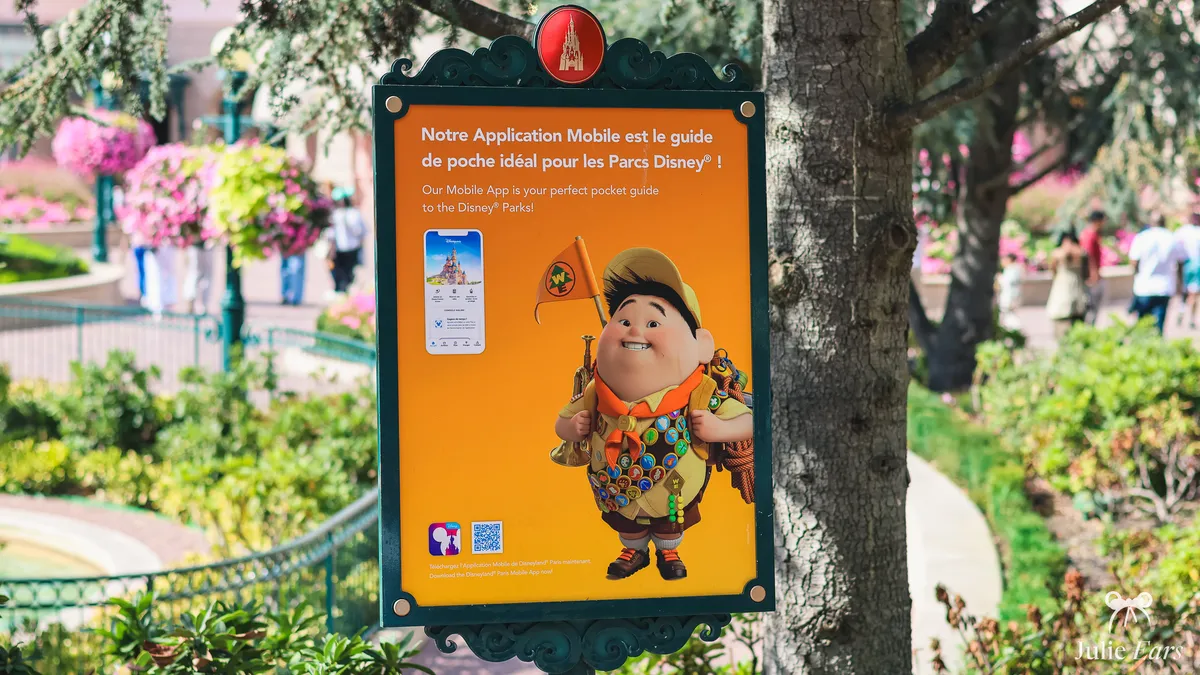
The Disneyland Paris app is the tool I keep open all day long in the park. It’s free, official, and available on iPhone (App Store) and Android (Google Play). It’s where you’ll see live wait times, the map, and showtimes, and it’s what you use to buy Premier Access or book a table.
A key heads-up first: Lineberty is a different thing. Lineberty is a separate virtual queue tool that some stores and occasional events rely on. It isn’t the park’s official app.
How do you download and install the app?
Its name is just Disneyland Paris. Type that into the App Store (iPhone) or Google Play (Android) and download it, at no cost.
My advice: install it a few days before your trip, not on the morning you arrive. You’ll have time to set up your account calmly and link your tickets. Standing at the entrance on the big day is never the right moment.
Setting up your Disney account and signing in
To get the most from the app, you need a Disney account. It’s a single account, the same one for the website, the app, and Disney’s other services. You can create it right in the app, under Profile, or on the official website.
This account is where everything lives: your tickets, your Disneyland Pass (the annual pass, if you have one), your reservations, and your PhotoPass photos. Once you’re signed in, you link your tickets and add the members of your party (up to 6 people). Do it ahead of time: that’s what lets you book for everyone in one go.
What can you do with the app?
You’ll use the app ahead of your visit as well as in the park. Before you go, it lets you purchase and keep your tickets and Disneyland Pass, handle your hotel booking, and map out your day. Once you’re there, it becomes your live guide for getting around. Here’s a quick rundown of what it does:
- Check live wait times for the rides.
- Buy Premier Access to use a dedicated line.
- Book a restaurant table and order takeout at some dining locations.
- Follow where you are on the park’s GPS-enabled map.
- See the day’s showtimes for shows and parades, with reminders.
- Find the PhotoPass photos linked to your account.
- Book a time slot to meet certain characters.
Each feature is explained below.
Live wait times
The app shows the wait time for every ride, refreshed very often (roughly every 5 minutes). Allow a margin of 5 to 10 minutes compared with the number on screen. It’s the most useful information of the day: it tells you where to go when, and how to dodge the busiest moments.
Premier Access
Premier Access is the paid service that gets you into a dedicated line on certain rides. You buy it on the day itself, either in the app (you pick the ride and a time slot, then pay right there) or in person at City Hall (Disneyland Park) and Studio Services (Disney Adventure World). It replaced the free FastPass in 2021.
I won’t go into prices here, since they change depending on the ride and the time of year. Everything is covered in the dedicated article: Disneyland Paris Premier Access.
Affiliate link · Disney’s official prices
Restaurant reservations
You can book a table at most table-service restaurants straight from the app. Reservations open up to 2 months in advance for everyone, and as soon as their stay is confirmed for Disney hotel guests (often several months ahead).
That gives Disney hotel guests an edge for the most sought-after tables. You can also look at menus and prices there before you book.
At a growing number of counter-service restaurants, you can also order and pay for your meal right in the app, then pick it up at a time you choose, at no extra cost. That’s Mobile Order, sometimes called Click & Collect. The list of participating restaurants keeps changing, so check what’s available in the app on the day itself.
The interactive map
The map uses GPS: it shows exactly where you are in the park in real time. You can filter what appears (rides, restaurants, stores, restrooms). For a first-time visitor, the Map view is the easiest to read. Once you know the park better, the List view is faster for sorting and finding a ride.
Show and parade times
Show and parade times for the day are listed in the app, tailored to the date you’re visiting. Switch on reminders and you won’t miss a performance. I find it super convenient for planning around the nighttime show without constantly checking the time.
PhotoPass
You use the app to view your photos. Shots taken by Disney photographers, and some ride photos, are linked to your account and show up in the app once they’ve been scanned or added. For the plans, how to get your photos, and how long they’re kept, it’s all explained here: PhotoPass and PhotoPass+.
Virtual queue for character meet and greets
To meet certain characters, you no longer stand in a physical line: you book a time slot in the app. This queue only opens after your ticket is scanned at the park entrance, and you can only hold one reservation at a time. How it all works (which characters are included, how to line up slots back to back) is covered here: the virtual queue for meet and greets.
What if the app isn’t working?
Sometimes the app lags, logs you out, or stops showing wait times, especially when crowds are heavy. A few simple steps fix most problems:
- Check for an app update in the App Store or Google Play.
- Close the app and open it again, or restart your phone.
- Switch from the Disneyland Wi-Fi to 4G/5G, or the other way around, depending on which works better.
- Sign back in to your Disney account if you were logged out.
My tips
- Connect to the Disneyland Wi-Fi: when crowds are heavy, it’s often more reliable than 4G or 5G, which get overloaded quickly in the park.
- Bring a portable charger. The app drains a lot of battery, especially with location turned on, and it’s also your park ticket and your way to pay.
- Allow notifications: that way you get reminders for your Premier Access time slots, the meet and greets you booked, and showtimes.
- Map view if the park is new to you, List view once you know it well.
Setting up the app belongs on your pre-trip to-do list. For the big picture on everything available once you arrive, head over to the guide to Disneyland Paris practical services.
Frequently asked questions
01 Do I have to pay for the Disneyland Paris app?
Yes. The official Disneyland Paris app costs nothing, on iPhone (App Store) and Android (Google Play) alike. You don’t pay anything to download it or to check wait times, the map, or park hours. Premier Access and PhotoPass are the only paid services.
02 Does the app require an account?
Yes, for most of the useful features. A free Disney account keeps your tickets, Disneyland Pass, reservations, and photos all in one place. You can create it right in the app. If you’re not signed in, some features, like the virtual queue for character meets, won’t work.
03 At what point should you download the app?
A few days before your trip. That leaves you time to set up your account, link your tickets, and add the members of your party (up to 6 people) without any rush. Arrival day, standing at the entrance, is never the right moment.
04 How do I buy Premier Access One?
You buy Premier Access One on the day of your visit, in one of two ways: in the Disneyland Paris app (log in to your Disney account, go to the Premier Access section to pick the ride and time slot, then pay), or in person at City Hall in Disneyland Park and at Studio Services in Disney Adventure World if you don’t have a smartphone. Premier Access Ultimate, on the other hand, can be bought ahead of your visit, including through the concierge at your Disney hotel. I recommend downloading the app and trying it out before your trip, because you need to be comfortable with your Disney account on the big day. You’ll find all the details in my Premier Access guide.
05 How early can I make a Disneyland Paris restaurant reservation?
The booking window depends on where you’re staying. If you’re at a Disney hotel, you can book up to 1 year ahead, as soon as your stay is confirmed. That’s a real advantage for very popular restaurants like Auberge de Cendrillon or the character buffets. If you’re coming for the day without a Disney hotel, you can book up to 2 months (60 days) ahead. You can reserve through the Disneyland Paris app, on the official website, or by phone at +33 1 60 30 40 50. My advice: book the moment the window opens for character dining and for weekend evenings or French school vacation evenings, or the time slots go fast.
06 The app isn’t working: what can you do?
First, make sure it’s up to date in the App Store or Google Play. Then close and reopen the app, or restart your phone. If the screen stays frozen, switch between the Disneyland Wi-Fi and 4G/5G depending on which works better, and sign back in to your Disney account if you were logged out.
07 Should you download the Disneyland Paris app, and what is it for?
Yes, get it on your phone before you go. The app costs nothing and gives you real-time wait times, a park map, and today’s hours. You can also purchase Premier Access through it, reserve a table at a restaurant, and pull up your PhotoPass pictures. Once you arrive, hop on the park’s free Wi-Fi so pages don’t get stuck loading.


